
SDR Cold Call Manager Table Template
Prioritize outbound accounts, record call attempts, preserve notes, and schedule the next action with territory and owner context.
SDR Cold Call Manager Table Template
Real fields and representative values
| Account | Contact | Priority | Stage | Next call |
|---|---|---|---|---|
| Acme Robotics | Daniel Ruiz | High | Ready | 2026-07-28 15:00 |
| Bluebird Energy | Nora Jensen | High | Connected | 2026-07-30 09:00 |
Best for
Small SDR teams, founder-led outbound programs, and sales operators managing a focused call queue.
Use it when
You need a compact operating queue for call priority, stage, attempts, last touch, next call, and handoff notes.
Choose another system when
Do not automate dialing or record calls without meeting consent and telecommunications requirements.
A visible structure you can inspect.
These are the real fields, nodes, or visual elements that make the template useful. Rename them when your process differs; do not preserve a field only because it was bundled.
01
Account, Contact, and Phone — identify the call target.
02
Territory, Priority, and Call stage — create focused queues.
03
Attempts, Last call, and Next call — preserve effort and timing.
04
Owner and Call notes — keep responsibility and context visible.
From starter to reviewed workspace
- 1
Replace the seeded accounts with an authorized prospect list.
- 2
Assign an owner, territory, and priority before the first attempt.
- 3
Update call stage and notes immediately after each interaction.
- 4
Set the next call time when another action is required.
- 5
Review overdue next-call records without erasing prior attempts.
Product evidence
What is already real
- The starter contains 8 call records and 11 typed fields.
- Last and next call timestamps are modeled separately.
- Attempts and notes remain visible beside stage and priority.
Limits
What this template does not promise
- The template does not dial, record, or transcribe calls.
- Phone data must be collected and used lawfully.
- A separate workflow is required for reminders.
Completed artifact
Eight-Account SDR Call Queue Example
Inspect a completed outbound queue with territory, priority, attempts, call stage, timestamps, ownership, and contextual notes.
More table templates
Table template
Task Tracker Table Template
Track delivery work with owners, progress, dates, priority flags, status updates, and notes in one editable Kition table.
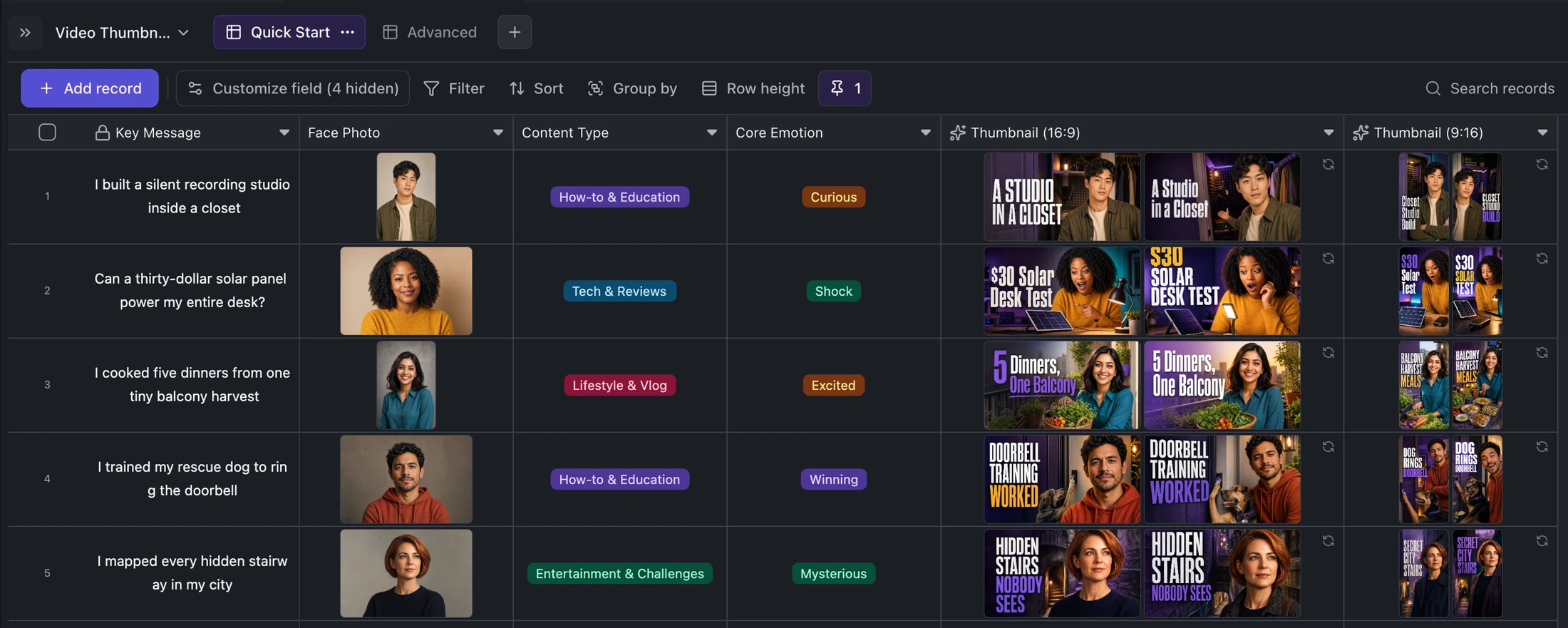
Table template
YouTube and TikTok Thumbnail Generator Template
Turn one content idea and portrait into concise titles plus two original landscape and two vertical thumbnail variants per record.
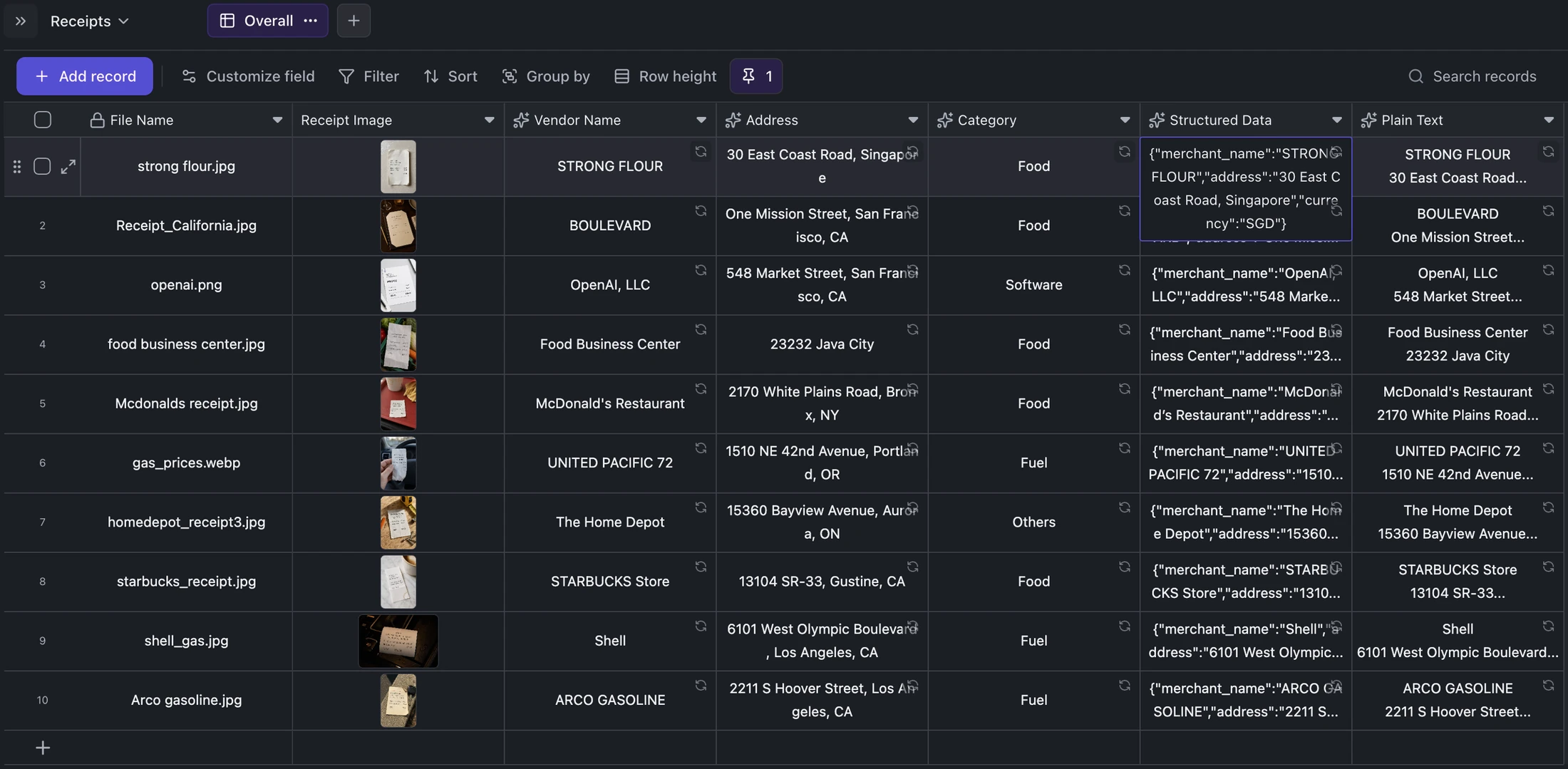
Table template
Receipt OCR Table Template
Keep receipt images beside extracted vendor, address, category, structured JSON, and plain OCR text for correction and export.
Ready when you are.
Kition is a desktop AI workspace for connected documents, structured tables, editable designs, whiteboards, visual workflows, and reviewable AI agents.