
Eight-Account SDR Call Queue Example
Inspect a completed outbound queue with territory, priority, attempts, call stage, timestamps, ownership, and contextual notes.
Eight-Account SDR Call Queue Example
Real fields and representative values
| Account | Contact | Priority | Stage | Next call |
|---|---|---|---|---|
| Acme Robotics | Daniel Ruiz | High | Ready | 2026-07-28 15:00 |
| Bluebird Energy | Nora Jensen | High | Connected | 2026-07-30 09:00 |
Scenario
The specific job behind this example
One SDR is handling a small international account list and needs to know exactly who should be called next and why.
Input
What the work started with
- Eight approved target accounts.
- Contact numbers, territory, owner, and priority.
- Call results and scheduled next actions.
Output
What the completed workspace contains
- A prioritized call queue.
- A visible history of attempts and last contact.
- A dated next action for every active conversation.
The result is complete only after these checks.
A generated field, copied record, or finished diagram is not automatically correct. These checks define the minimum acceptance boundary for this example.
Validation checklist
- Every active record has an owner and next action.
- Attempts increase only after a real attempt.
- Notes avoid unsupported personal or sensitive claims.
Reproduce the result
SDR Cold Call Manager Table Template
Inspect the starter structure, known limitations, product source, and setup steps before adapting this completed example to your own project.
More examples from this Kition surface
Table example
Completed Product Discovery Task Tracker Example
See how a 20-row product discovery backlog records ownership, expected delivery, actual completion, and the latest evidence.
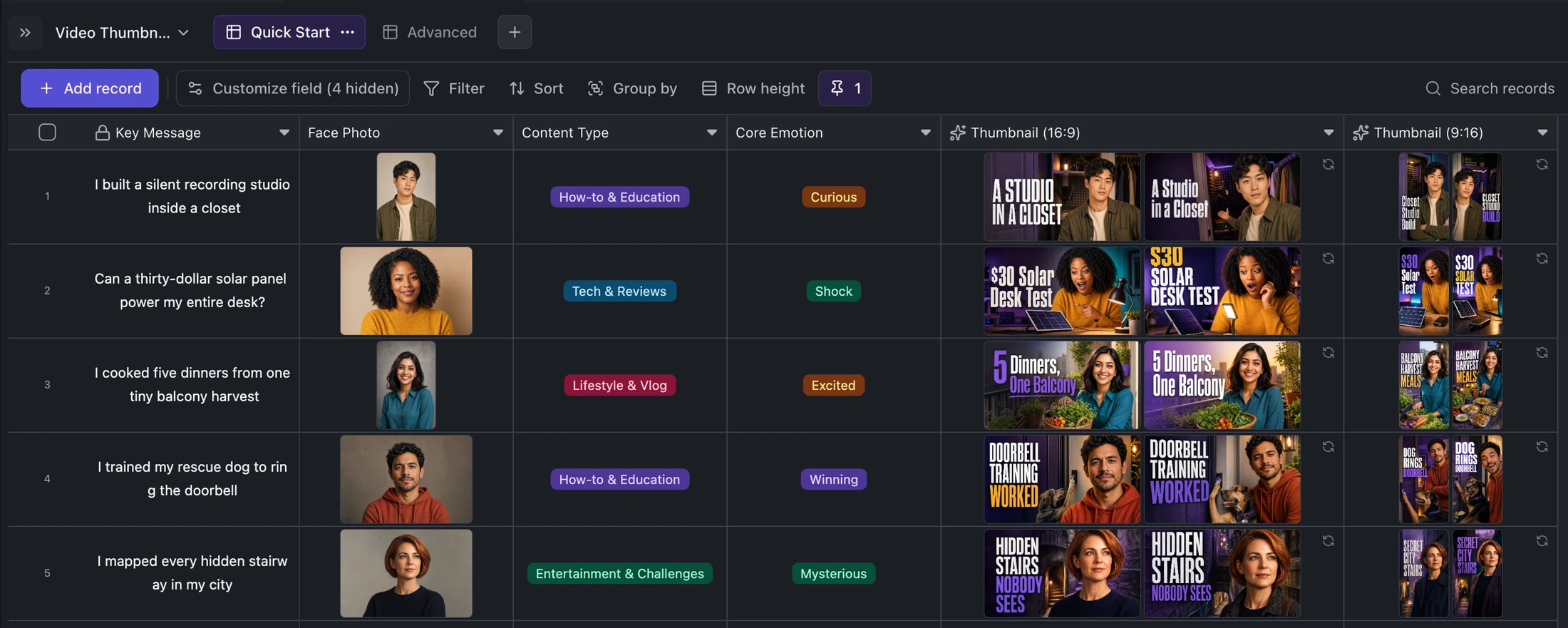
Table example
Five-Video Thumbnail Production Example
Inspect a finished thumbnail queue with five source ideas, format-specific titles, portraits, and 25 generated assets.
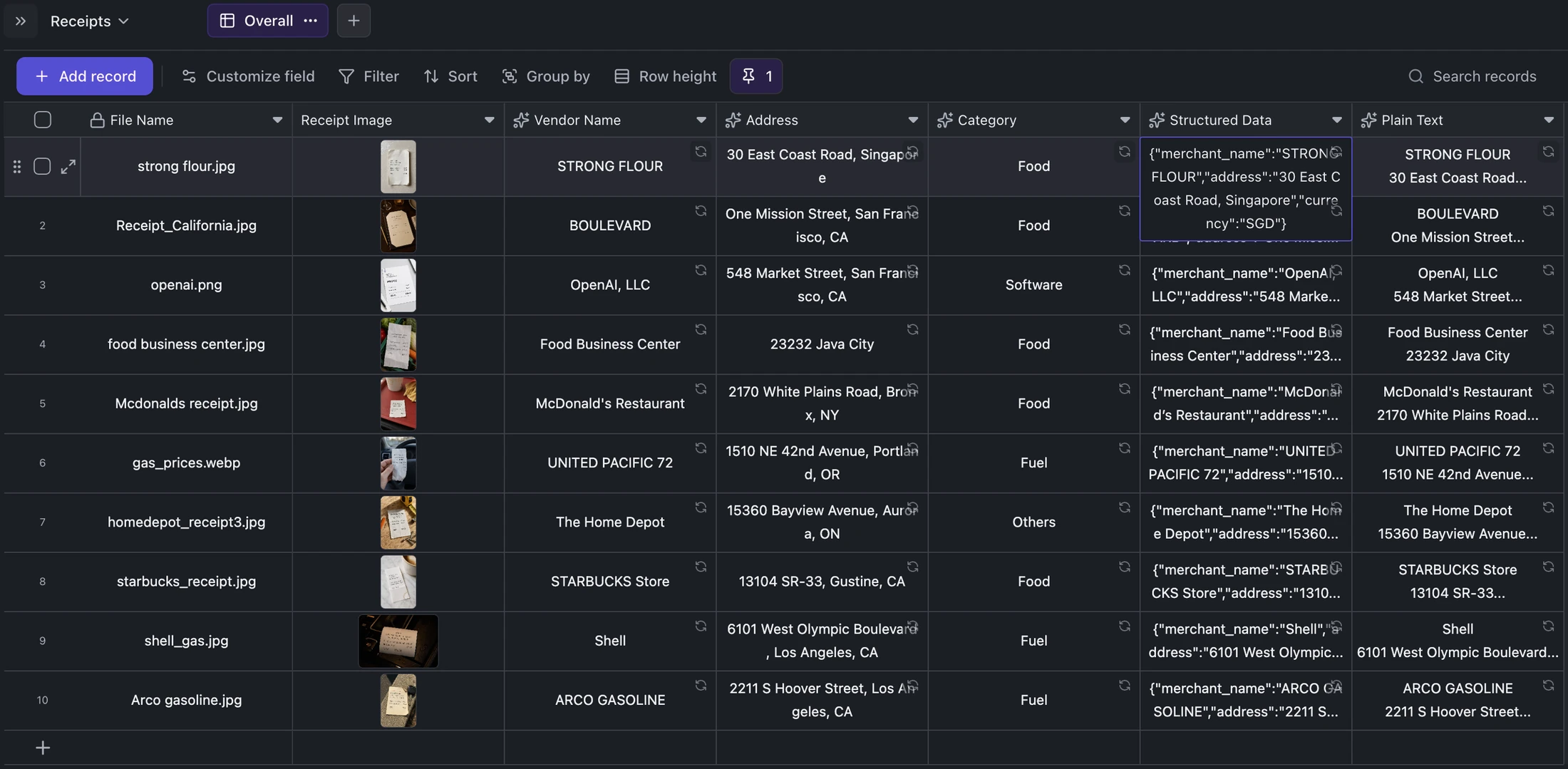
Table example
Ten-Receipt OCR Review Example
Review a completed ten-record receipt archive where each source image remains attached to structured and plain-text extraction.
Ready when you are.
Kition is a desktop AI workspace for connected documents, structured tables, editable designs, whiteboards, visual workflows, and reviewable AI agents.