
Product Launch Website Planner Template
Coordinate website sections, purpose, headlines, owners, asset URLs, mobile readiness, publishing dates, and launch review status.
Product Launch Website Planner Template
Real fields and representative values
| Section | Headline | Owner | Status | Mobile |
|---|---|---|---|---|
| Hero | A cleaner home, without the daily effort. | Nina Cole | Ready | Yes |
| Problem | Clean floors should not take over your week. | Omar Lewis | Review | Yes |
Best for
Product marketers, designers, founders, and small launch teams building a focused product website.
Use it when
You need one row per website section and want copy, assets, ownership, readiness, and dates reviewed together.
Choose another system when
Do not treat a Ready status as proof that the deployed page passed accessibility, analytics, legal, and performance checks.
A visible structure you can inspect.
These are the real fields, nodes, or visual elements that make the template useful. Rename them when your process differs; do not preserve a field only because it was bundled.
01
Section, Purpose, and Headline — define the content job of each block.
02
Owner, Status, and Publish date — make responsibility and timing visible.
03
Asset URL and Mobile ready — connect creative and responsive review.
04
Notes — keep decisions beside the section.
From starter to reviewed workspace
- 1
Keep one record per meaningful website section.
- 2
State the purpose before writing the headline.
- 3
Assign an owner and attach or link the approved asset.
- 4
Review mobile readiness and content status separately.
- 5
Confirm the deployed page before marking the launch complete.
Product evidence
What is already real
- The starter contains 7 website-section records and 9 typed fields.
- Content purpose, headline, asset, owner, and readiness are separate decisions.
- The sample includes Hero and Problem sections with different review states.
Limits
What this template does not promise
- The template plans a website; it does not deploy one.
- Mobile ready is a review signal, not an automated test result.
- Asset URLs must remain accessible to the launch team.
Completed artifact
Seven-Section Product Launch Website Example
Review a finished launch plan connecting each site section to its purpose, headline, owner, asset, status, and publish date.
More table templates
Table template
Task Tracker Table Template
Track delivery work with owners, progress, dates, priority flags, status updates, and notes in one editable Kition table.
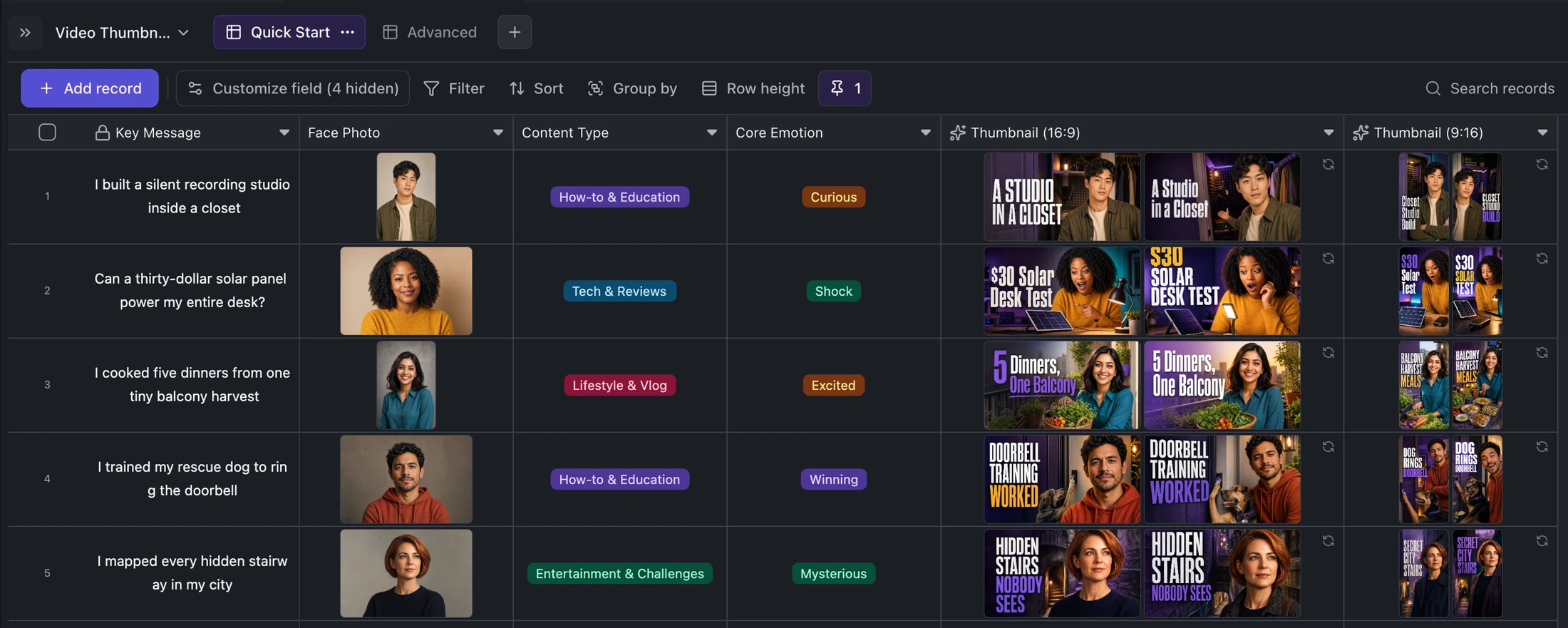
Table template
YouTube and TikTok Thumbnail Generator Template
Turn one content idea and portrait into concise titles plus two original landscape and two vertical thumbnail variants per record.
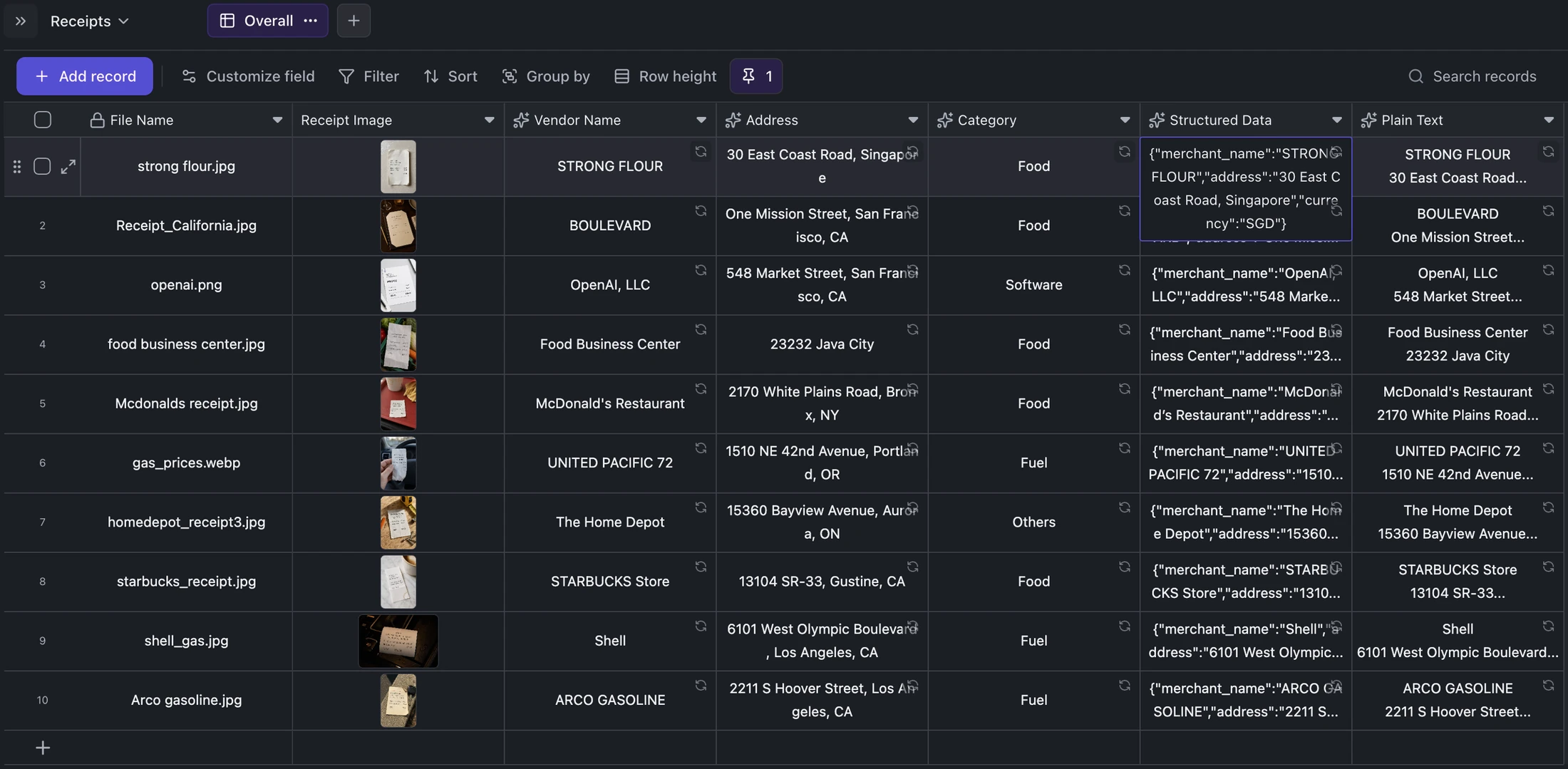
Table template
Receipt OCR Table Template
Keep receipt images beside extracted vendor, address, category, structured JSON, and plain OCR text for correction and export.
Ready when you are.
Kition is a desktop AI workspace for connected documents, structured tables, editable designs, whiteboards, visual workflows, and reviewable AI agents.