
Seven-Section Product Launch Website Example
Review a finished launch plan connecting each site section to its purpose, headline, owner, asset, status, and publish date.
Seven-Section Product Launch Website Example
Real fields and representative values
| Section | Headline | Owner | Status | Mobile |
|---|---|---|---|---|
| Hero | A cleaner home, without the daily effort. | Nina Cole | Ready | Yes |
| Problem | Clean floors should not take over your week. | Omar Lewis | Review | Yes |
Scenario
The specific job behind this example
A small team is preparing a product launch page and needs to prevent copy, design, and readiness decisions from drifting across tools.
Input
What the work started with
- A product positioning brief.
- Seven planned website sections.
- Owners, asset links, review states, and target dates.
Output
What the completed workspace contains
- A section-by-section website plan.
- Visible copy and asset readiness.
- A launch review surface for mobile and publication status.
The result is complete only after these checks.
A generated field, copied record, or finished diagram is not automatically correct. These checks define the minimum acceptance boundary for this example.
Validation checklist
- Every section has a distinct purpose.
- Ready rows have an owner, date, and accessible asset where required.
- The live site is checked separately after deployment.
Reproduce the result
Product Launch Website Planner Template
Inspect the starter structure, known limitations, product source, and setup steps before adapting this completed example to your own project.
More examples from this Kition surface
Table example
Completed Product Discovery Task Tracker Example
See how a 20-row product discovery backlog records ownership, expected delivery, actual completion, and the latest evidence.
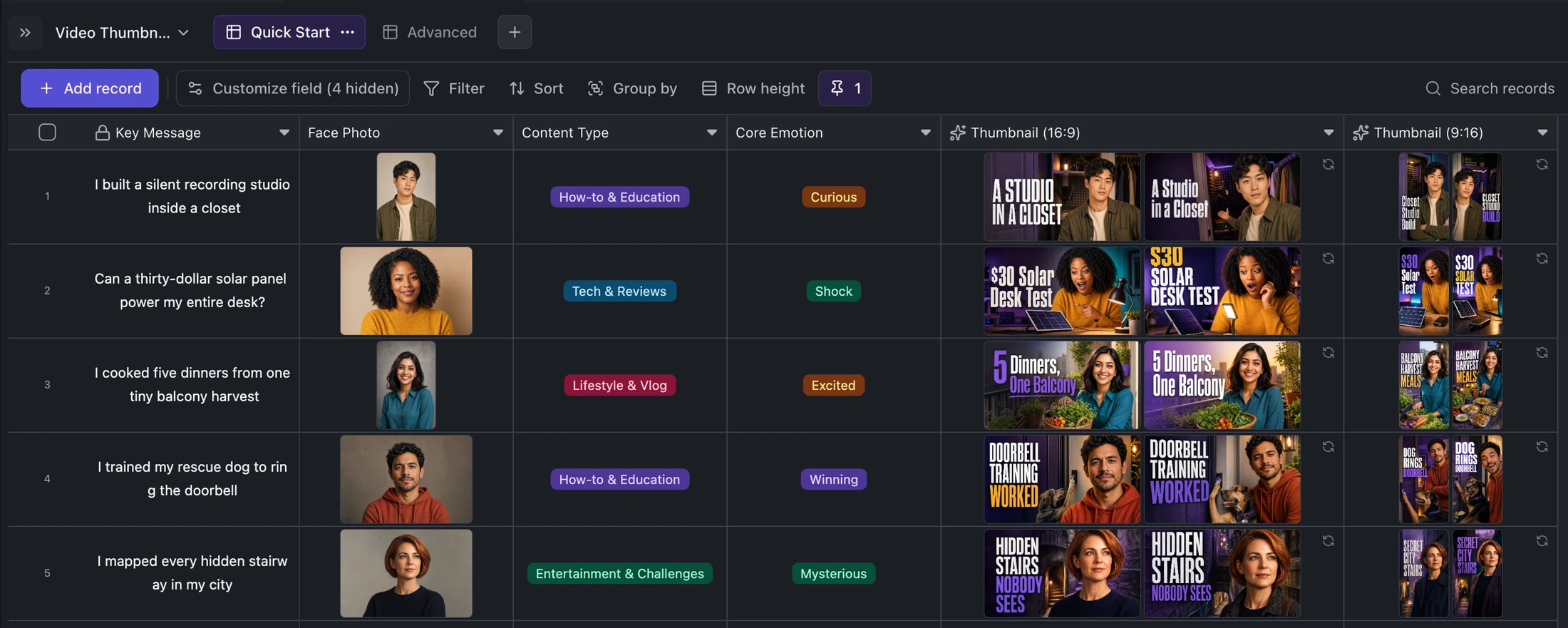
Table example
Five-Video Thumbnail Production Example
Inspect a finished thumbnail queue with five source ideas, format-specific titles, portraits, and 25 generated assets.
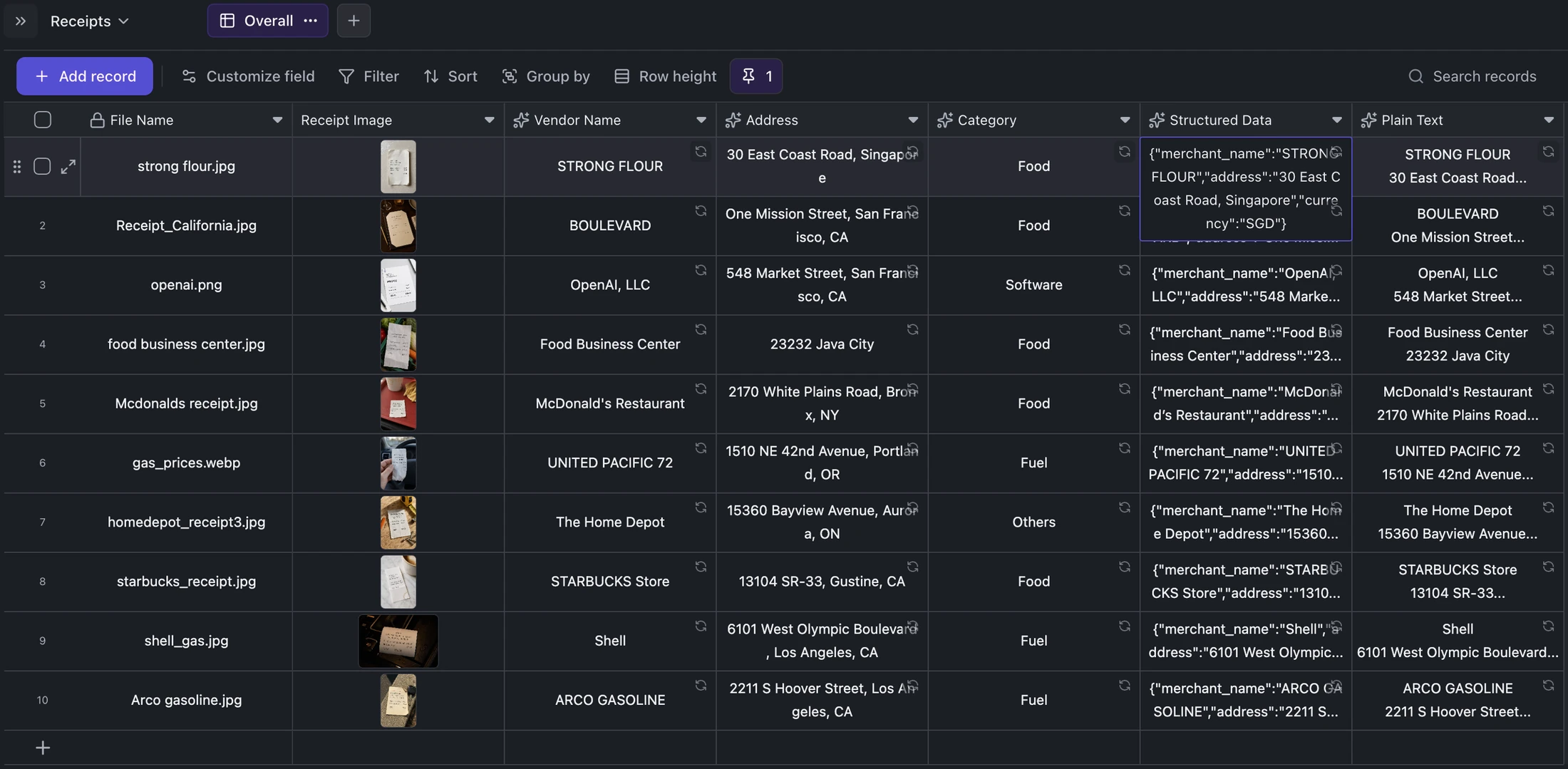
Table example
Ten-Receipt OCR Review Example
Review a completed ten-record receipt archive where each source image remains attached to structured and plain-text extraction.
Ready when you are.
Kition is a desktop AI workspace for connected documents, structured tables, editable designs, whiteboards, visual workflows, and reviewable AI agents.