
Leads Landing Page Table Template
Capture form submissions with company context, source, use case, stage, value, and follow-up notes in a qualified lead queue.
Leads Landing Page Table Template
Real fields and representative values
| Company | Contact | Source | Stage | Est. value |
|---|---|---|---|---|
| Northstar Labs | Emma Stone | Organic search | Demo booked | $18,000 |
| Cedar & Finch | Theo Martin | Referral | Qualified | $9,000 |
Best for
Founder-led sales, small marketing teams, agencies, and operators handling inbound lead forms.
Use it when
You need form submissions to arrive as structured records that can be qualified, valued, assigned, and followed up.
Choose another system when
Do not collect sensitive lead data without an appropriate privacy notice, retention policy, and access controls.
A visible structure you can inspect.
These are the real fields, nodes, or visual elements that make the template useful. Rename them when your process differs; do not preserve a field only because it was bundled.
01
Company, Contact name, and Work email — identify the prospect.
02
Company size, Source, Stage, and Use case — support qualification views.
03
Estimated value — provide a planning signal for prioritization.
04
Submitted at and Notes — preserve intake timing and important context.
From starter to reviewed workspace
- 1
Open the starter and review the seeded lead stages and sources.
- 2
Connect the landing-page form to the Leads table.
- 3
Require the minimum fields needed for a useful follow-up.
- 4
Create views for new, qualified, demo-booked, and closed leads.
- 5
Add a notification workflow only after previewing the bound field values.
Product evidence
What is already real
- The starter includes 8 realistic lead records and 10 typed fields.
- Source, stage, company size, and use case are explicitly modeled.
- A separate onboarding workflow can preview the sales notification safely.
Limits
What this template does not promise
- The table is not a consent or privacy-management system.
- Estimated value is a planning field, not guaranteed revenue.
- Email delivery requires a configured connection and enabled workflow.
Completed artifact
Qualified Inbound Lead Queue Example
See eight form submissions organized by source, company size, use case, stage, estimated value, and the next human follow-up.
More table templates
Table template
Task Tracker Table Template
Track delivery work with owners, progress, dates, priority flags, status updates, and notes in one editable Kition table.

Table template
YouTube and TikTok Thumbnail Generator Template
Turn one content idea and portrait into concise titles plus two original landscape and two vertical thumbnail variants per record.
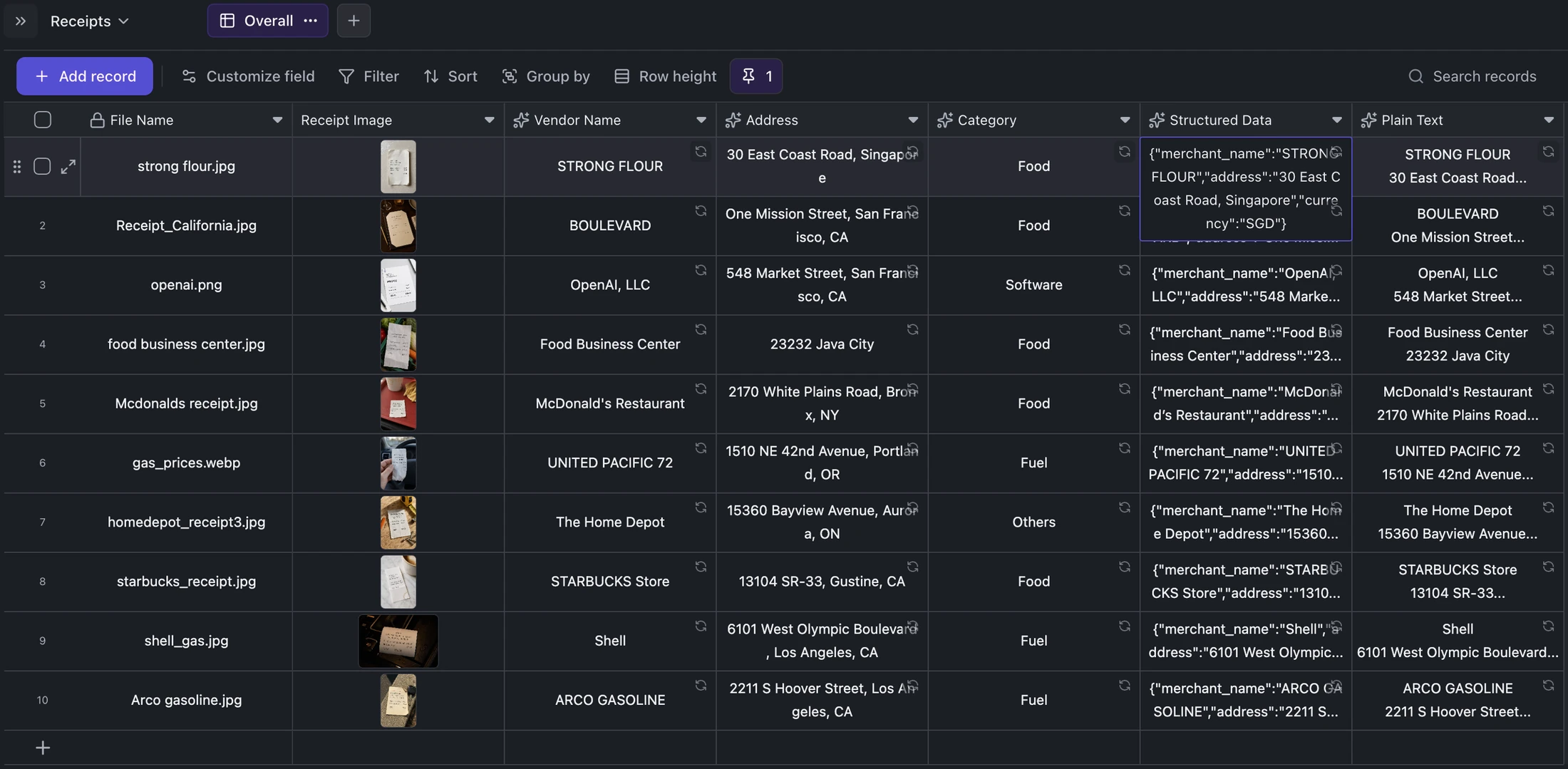
Table template
Receipt OCR Table Template
Keep receipt images beside extracted vendor, address, category, structured JSON, and plain OCR text for correction and export.
Ready when you are.
Kition is a desktop AI workspace for connected documents, structured tables, editable designs, whiteboards, visual workflows, and reviewable AI agents.