Prepare the brief
Choose a subject, composition, visual medium, palette, and mood for a document or campaign illustration.
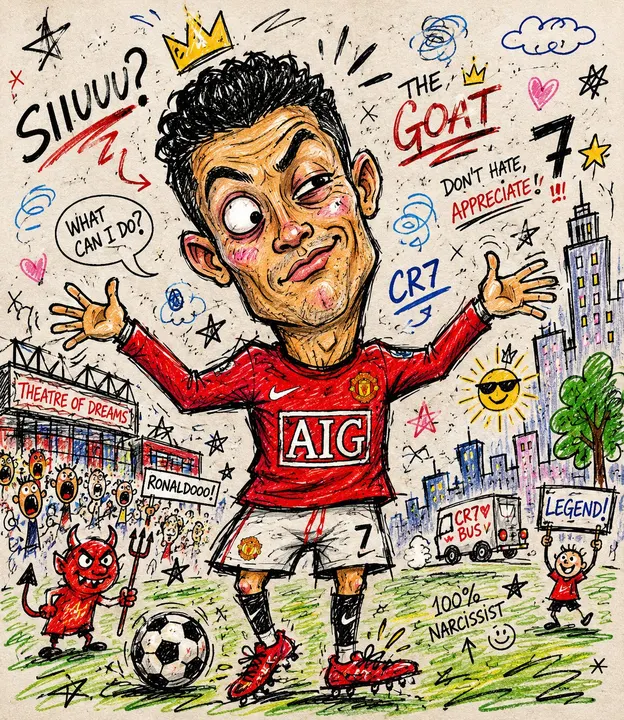
Rough doodle photo transformation. Transform your reference image using this visual style and composition.
This is an editing template. Attach a reference image before running it.
Template inputs
- Changes and details (optional)
- What should change or stay the same?
Suggested settings
| Operation | edit |
|---|---|
| Aspect ratio | 3:4 |
| Quality | high |
| Resolution | 2K |
| Text | Generated text is part of the image; proofread it. |
| Available surfaces | document, table, whiteboard |
Use this template in Kition
- Open the image template picker from a supported document, table, or Whiteboard image surface.
- Search for “Rough doodle photo transformation” and compare the preview with this example. The catalog ID is
gpt-image-2-case-504, version 1.0.0. - Attach the reference image and describe the changes to make.
- Choose an image-capable service, check the available dimensions and usage cost, then generate one candidate.
- Review the result, save the useful image into the workspace, and retain the brief with the output.
Review the output
Inspect focal point, silhouette, visual consistency, and unwanted details. Preserve a version without text for reuse in different layouts.
Use a table record to track the brief, candidate image, owner, and review status. Insert the selected asset into a document for context, or use Design Studio when the headline needs to remain editable.
Source and limitations
Preview examples and adapted templates originate from the credited MIT-licensed library. They illustrate a visual direction and do not promise identical output. Kition requires a configured image service; model requests may consume provider usage or Cloud credits.
Read the full source licenseA generated image is a raster asset. Rendering a table, document, or interface inside the image does not create a working table, document, or app.